Navigation Menus Made Easy
A free, full-featured navigation menu builder for Craft CMS 5 and 6 with drag-and-drop, conditional visibility, smart caching, and ARIA accessibility.
Free · drop-in for Craft CMS 5 · Craft 6 beta available

In The Control Panel
Real screens from a Craft 5 install — two menus built from real entries, with a node builder that says what each link points at.
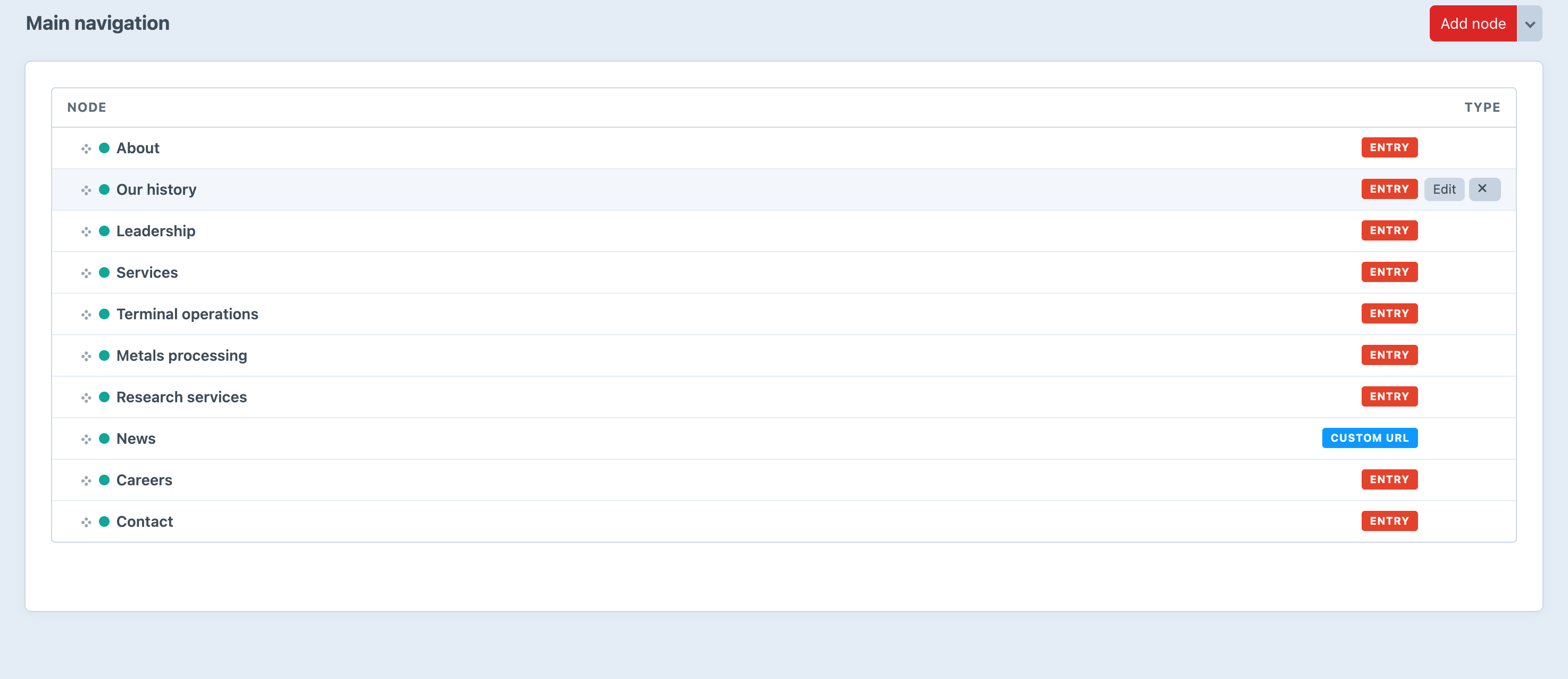
Drag to reorder, and every node says what it points at.
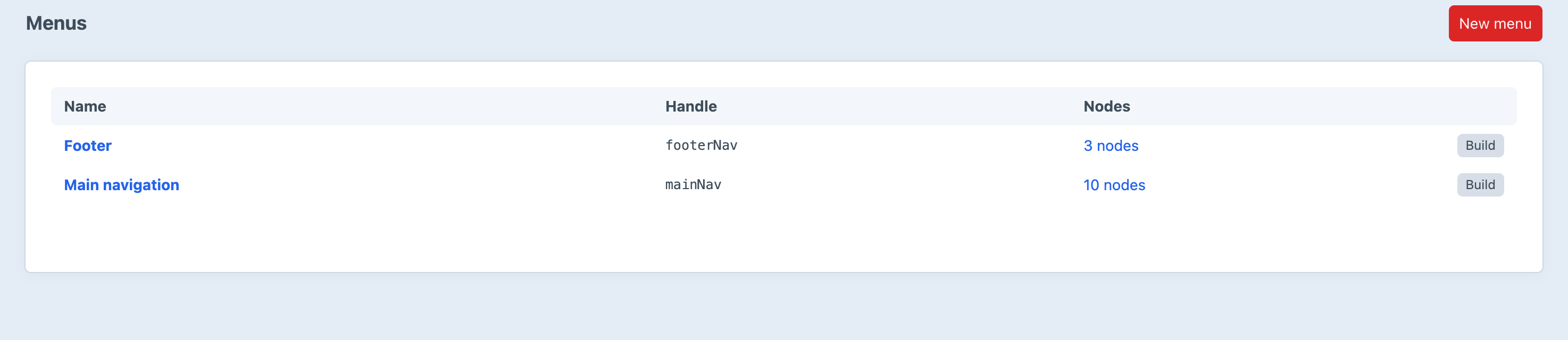
As many menus as the site needs.
Screenshots from a live install, not mockups.
Features
Everything you need for navigation in Craft CMS — free forever.
Drag-and-Drop Builder
Drag nodes into place in the Control Panel and nest them as deep as you like. Entry, asset, custom URL, site and passive nodes everywhere, plus category and Commerce product nodes on Craft 5.
Conditional Visibility
Show or hide nodes based on logged-in state, user group, URL segments, entry type, or custom rules. Multiple conditions use AND logic for precise control.
Template Presets
Six ready-to-use render presets: default, dropdown, sidebar, breadcrumb, footer, and mega menu. Or iterate nodes manually for full markup control.
Smart Caching
Per-menu cache with TagDependency-based auto-invalidation. Menus automatically refresh when nodes or linked elements change.
ARIA Accessibility
Automatic aria-current, aria-expanded, aria-haspopup, and role attributes. Active state detection with ancestor highlighting for deep navigation trees.
GraphQL & REST API
Per-menu GraphQL types with scoped read permissions and full REST API with JSON endpoints for menus, nodes, and breadcrumbs.
FAQ
Common questions about FreeNav.
composer require justinholtweb/craft-free-nav from your project root, then install the plugin from the Craft Control Panel. On Craft 6, ask for the beta: composer require "justinholtweb/craft-free-nav:^6.0@beta".
Ready to get started?
Install FreeNav in your Craft CMS project today.
Craft CMS 5 · Craft 6 beta available · free, no paid tiers